Prompt to Image
Describe a scene in plain language and turn it into a finished visual.

GPT Image 2 AI Image Generator
Describe the image you want, choose a format, and generate high-quality visuals with GPT Image 2. No sign-in needed to start.
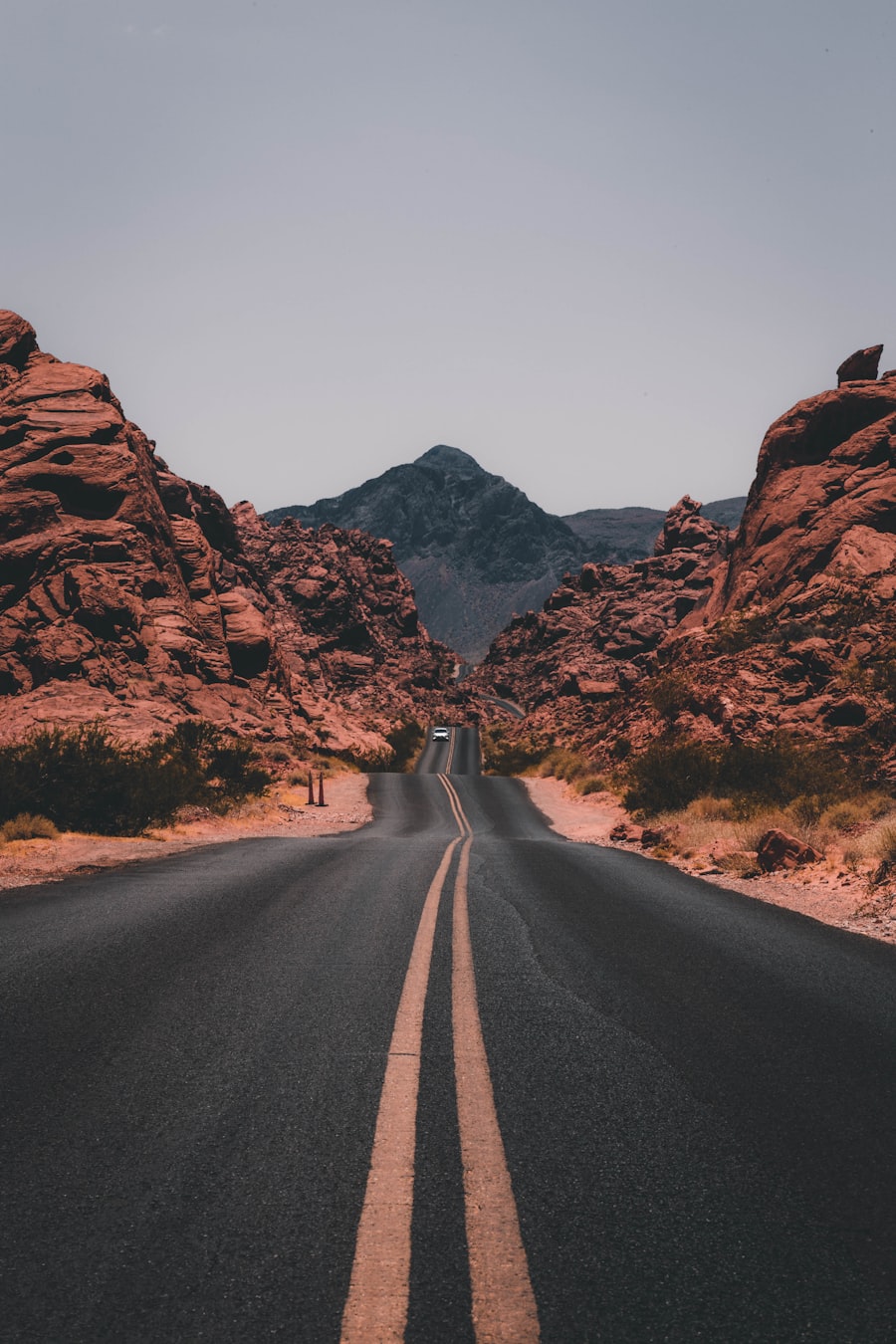 Text-to-Image
Why GPT Image 2
Describe a scene in plain language and turn it into a finished visual.
Create clean images for posts, products, concepts, and campaigns.
Try cinematic, editorial, product, vintage, illustration, or social-ready looks.
Pick 1:1, 2:3, or 3:2 before each generation.
Move from idea to visual direction without opening a design suite.
Switch modes when you want to edit, restore, clean up, or restyle an uploaded image.
Simple workflow
Describe the subject, setting, style, lighting, and details you want.
Select an aspect ratio and quality level for your image.
GPT Image 2 creates a task and returns the result after processing.
Preview the generated image and continue with a new prompt whenever you need another option.


Use cases
Generate campaign scenes, packaging ideas, and product mood shots.
Create fresh visuals for posts, thumbnails, banners, and announcements.
Draft concepts for offers, launches, seasonal campaigns, and landing pages.
Explore characters, environments, props, and visual directions.
Generate rooms, decor concepts, travel moods, and lifestyle imagery.
Switch to Image Editor for background replacement, cleanup, restoration, and style transfer.
Text prompt generation
Type the scene, subject, style, and details you want. GPT Image 2 turns your prompt into a fresh visual for products, posts, ads, concepts, and creative drafts.


Built-in editing
Start from text by default, then upload a reference image when your workflow needs retouching, cleanup, restyling, or a controlled variation.
Creator feedback
I can turn a campaign idea into several visual directions before opening my design tools.
Maya L.DesignerThe prompt workflow is fast. I describe a scene, pick a ratio, and get a usable draft.
Jordan P.CreatorIt helps me create image ideas for campaigns without waiting on a full design pass.
Aisha R.MarketerFAQ
It is an online text-to-image generator that turns prompts into polished images with GPT Image 2.
No. The generator creates a guest session with the existing ZShip visitor system so you can start without signing in.
Yes. Switch to Image Editor mode, upload a JPEG, PNG, or WebP image, and describe the change you want.
The connected model supports 1:1, 2:3, and 3:2. The default is 1:1.
Payments require a permanent account so credits can be attached safely to your email.
You are responsible for how generated outputs are used and should review the provider terms that apply to your use case.
Start with a guest session, write a prompt, and create a polished image in a few clicks.
Generate Free